Nov 30, 2025
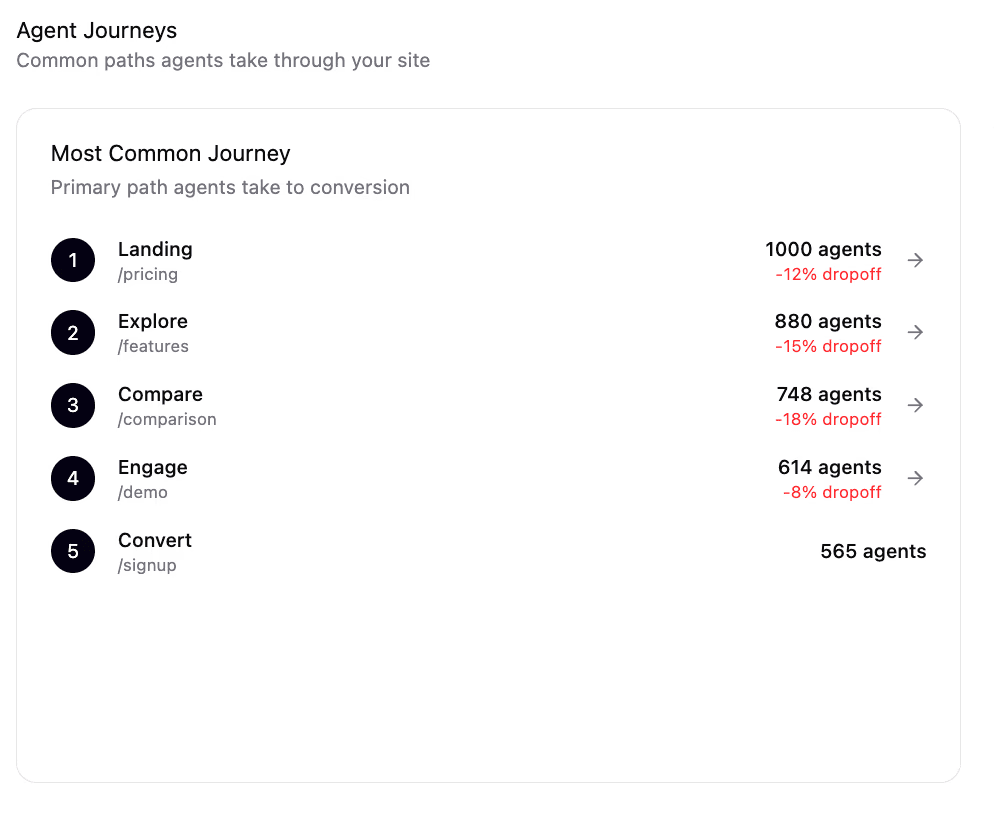
Open your analytics.
You’ll see Users, Sessions, Direct, Organic, Paid and a neat set of funnels.
What you won’t see is the most important shift happening on your site:
A growing chunk of “traffic” is AI agents doing research on behalf of humans – and your analytics stack is blind to it by design.
Google Analytics, Mixpanel, Amplitude, Adobe – they sit on top of browser events and client-side tags.
AI agents live somewhere else entirely:
in your server logs
in your CDN logs
in your WAF / edge logs
If you don’t treat that layer as first-class data, you will never see:
when ChatGPT, Perplexity, Claude, etc. actually hit your pages
what they read
when they send humans back to you
This article is about three things:
Why traditional analytics tools can’t see agentic traffic.
What you unlock when you start instrumenting it directly.
How to set up an AI-traffic analytics layer now, and what that looks like for a winning brand today.
1. Why Traditional Analytics Can’t See Agentic Traffic
Your current analytics pipeline is built for humans with browsers:
User loads a page.
Your JS bundle loads.
GA/Mixpanel/whatever fires “page_view” or “event” calls from the browser.
Those events get stitched into sessions, funnels, cohorts.
If something doesn’t:
run your JS,
execute your tags, or
carry a browser fingerprint,
…it basically doesn’t exist in that world.
AI agents:
don’t execute your tracking scripts
don’t accept cookies
often identify as bots via user-agents
sometimes hit your origin or CDN directly
So they show up only in low-level places:
web server access logs
CDN/edge logs
WAF / reverse proxy logs
Your “official” analytics dashboards ignore those by default. At best, they summarise them as:
“Bots filtered out”
or dumped into an opaque “Direct / Other” bucket.
That’s why you can have:
AI agents visiting your site thousands of times a month, and
zero visibility in the tools you stare at every day.
2. Traffic Has Shifted: Agents Do the Research, Humans Click the Results
The old pattern:
Human opens a browser → searches → opens 5–10 tabs → compares → decides.
The new pattern:
Human asks ChatGPT / Perplexity / Claude →
the agent opens 20–50 websites → reads content → synthesises →
shows 3–5 options → human clicks 1–2 links.
You still get human sessions, but now:
Discovery happens in the agent layer.
Shortlisting happens in the agent layer.
By the time you see a human, a lot of the decision is already done.
That earlier “research crawl” lives entirely in your server/CDN logs, not in your GA dashboard.
If you only look at human analytics:
you see the last click,
you miss the delegated journey that selected you (or excluded you).
You’re flying blind on the new discovery channel.
3. You Need a New Instrumentation Layer, Not a New Report
Solving this is not “make a new GA report”.
You need a parallel analytics layer that sits closer to the metal:
at your CDN / DNS / edge, or
at your reverse proxy / gateway.
Its job is very simple but very different:
Identify AI agents in raw traffic.
Based on user-agent, behaviour, IP ranges, and known AI crawlers.
Log every agent request with structure, not just raw lines:
which agent (ChatGPT, Perplexity, Claude, etc.)
which domain and path
timestamp, response code, latency
which content category (product, pricing, policy, blog, docs)
Stitch those into agent sessions and funnels:
“Perplexity hit these 7 URLs in 3 seconds”
“ChatGPT crawled pricing → FAQ → reviews”
Correlate with human clicks that followed.
e.g. “This burst of ChatGPT traffic was followed by 23 human visits with referrer=‘chat.openai.com’”
This isn’t hypothetical – it’s exactly the kind of instrumentation SonicLinker adds when it sits at your CDN/DNS layer to detect AI traffic and log it separately from human sessions.
Traditional analytics remain useful for human UX and conversion.
This new layer becomes your source of truth for agentic discovery and delegated traffic.
4. What You Can Actually Do Once You See Agentic Traffic
Once you have proper AI-traffic instrumentation, a few powerful things become possible:
a) See Who’s Already Researching You
You can answer basic questions that are currently guesswork:
Which AI platforms are hitting us?
How often?
Which pages do they care about?
This alone tells you:
whether you’re already “in the index” for your category
which content clusters are most important to agents (pricing, policy, product, support, etc.)
b) Identify “Invisible” Pages and Content Gaps
You can see:
pages that humans love but agents never visit
pages that agents hit but leave with “no usable info” (e.g., no pricing, no reviews, vague copy)
Those become obvious targets for:
better structured content
dedicated AI-native views
schema, FAQs, clearer answers
c) Measure Delegated Funnels
You can start treating agentic traffic as a real funnel:
Agent Visit → Agent Extracts Info → Agent Cites You → Human Clicks → Human Converts
With proper logging, you can attribute:
how many signups / purchases began with an AI agent session
which agents are best “partners” for your category
which content changes move the needle on citations and clicks, not just pageviews
d) Run Experiments for AI, Not Just Humans
Right now you A/B test headlines, CTAs, layouts for humans.
With agent-level instrumentation, you can:
experiment with AI-only content (structured product grids, explicit pricing, machine-readable FAQs)
measure which variant increases:
agent visit depth
citation frequency
AI-referred human clicks
This is A/B testing for AI, built on top of your server/CDN logs instead of browser events.
5. How to Set This Up (Conceptually)
You don’t fix this by hacking GA events.
You fix it by putting an agent-aware layer in front of your website.
Conceptually, the setup looks like this:
Integrate at the edge (CDN or Server Logs)
Detect AI vs human for every request.
Classify traffic using user-agent, IP, behaviour, and known AI agent signatures.
Log agentic traffic into its own analytics pipeline.
Store structured records of AI visits (agent, URL, timestamp, category).
Build dashboards for:
Agent Trends (visits over time)
Agent Funnels (which page sequences agents follow)
Agent Touchpoints (top pages agents rely on before sending humans).
(Optional but powerful) Serve AI-optimized responses.
For human browsers: send your normal site.
For AI agents: send a clean, structured, AI-native view of the same content (products, pricing, reviews, policies).
Layer this on top of your existing analytics.
Keep GA/Mixpanel for human behaviour.
Add SonicLinker-style analytics for AI behaviour.
Use both to understand the full journey: agent research → human visit → conversion.
SonicLinker integration is non-invasive: it doesn’t require changing your app code, CMS templates, or human UX. It’s done via CDN layer or DNS config and is fully reversible.
6. What This Looks Like for the Winners
If you care about winning in AI search, the analytics stack for any serious brand will look like this:
Human Analytics Layer
GA/Mixpanel/Amplitude for UX, funnels, retention.
Classic channels: Organic, Paid, Email, Social.
Agent Analytics Layer
Dedicated dashboards for:
AI-agent visits by platform
Agentic funnels and touchpoints
AI-referred human traffic and conversion.
Agentic CDN / Content Layer
A configurable “AI-native” view of your site that you can tune without touching design.
The questions your growth / marketing team should be asking:
“How many times did ChatGPT and Perplexity visit this week?”
“Which pages are most important to them?”
“Which AI agents sent us the most buyers?”
“Which AI-native content change improved our citation rate?”
At this point, saying “we don’t track AI traffic” is as dated as “we don’t track conversion events”.
The Real Takeaway
Your analytics aren’t just a bit noisy.
They are structurally blind to where a huge chunk of discovery now happens.
AI agents are already visiting your site.
They’re reading your content, deciding whether to trust you, and sometimes sending you buyers.
Almost none of that shows up in the tools you use today.
Fixing this means:
stop treating server/CDN logs as a graveyard of “bot noise”, and
start treating them as the data plane for agentic traffic.
Once you have that instrumentation, you can finally answer the real question:
“When an AI agent is doing research in our category,
how often do we appear, what do they read, and what do they do next?”
That’s what “Your analytics are lying” actually means. Not that the charts are wrong – but that they’re only telling you half the story.
Read more from our blog
Agentic Interfaces and the Future of UX
Jan 28, 2026
By Nikki Diwakar
How Visa Enables AI Agents to Shop and Pay
Jan 26, 2026
By Nikki Diwakar
How To Measure AI Agents When Google Analytics Cannot
Jan 23, 2026
By Nikki Diwakar
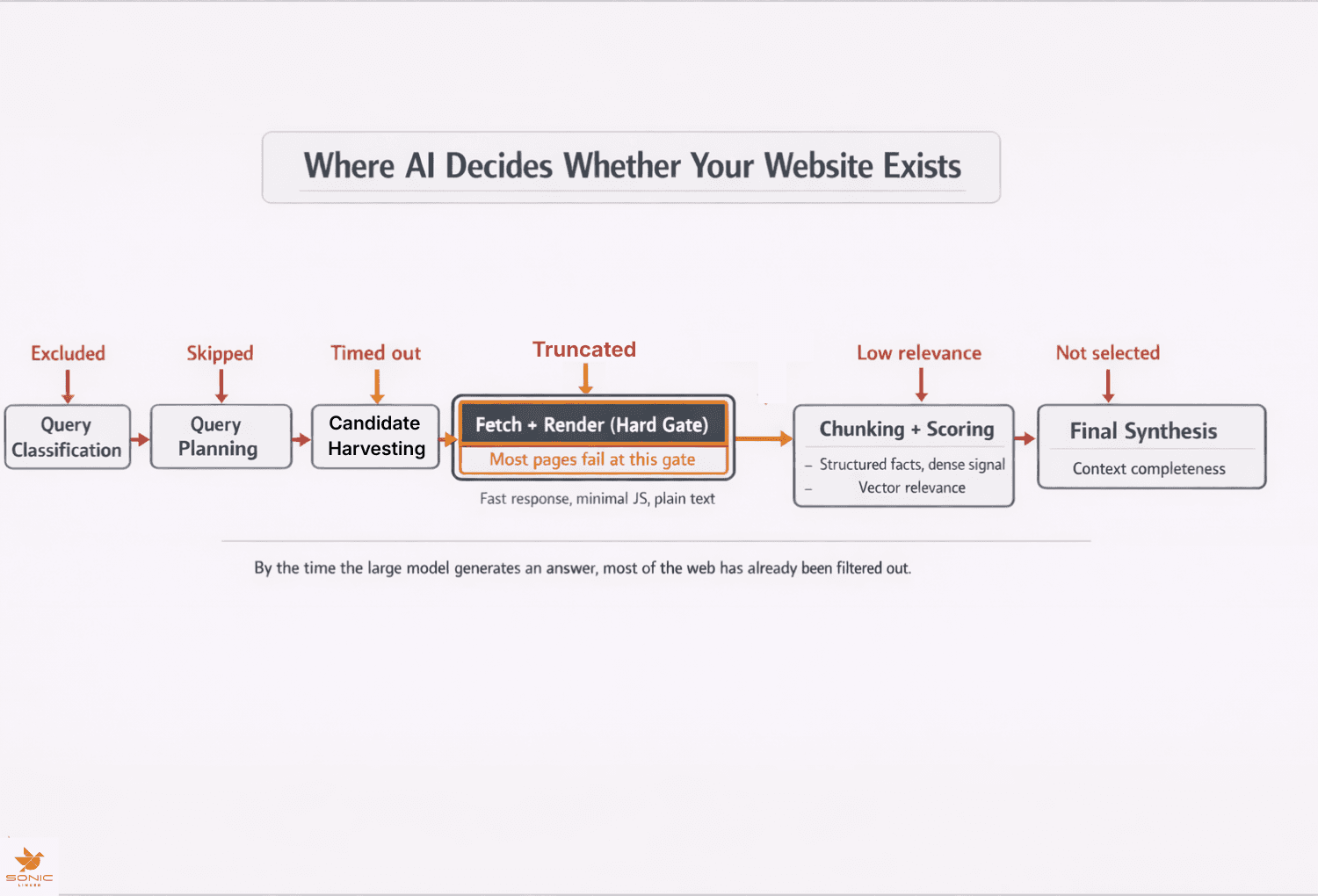
How ChatGPT Finds and Chooses Websites
Jan 21, 2026
By Nikki Diwakar
How LLMs Discover Your Model Context Protocol and Why It Matters
Jan 19, 2026
By Nikki Diwakar

What You Should Know About Shopify’s Model Context Protocol
Jan 13, 2026
By Nikki Diwakar
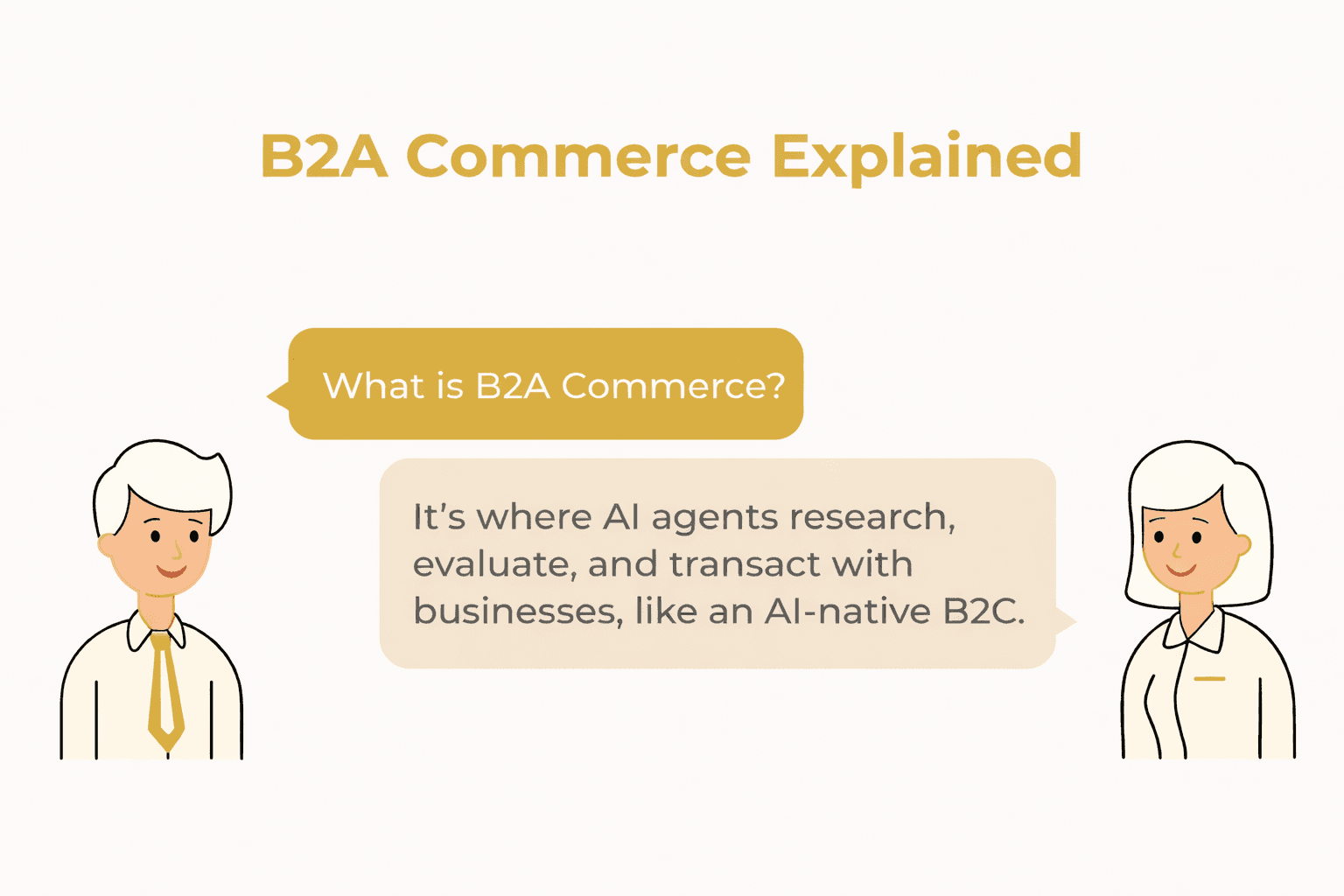
B2A Commerce Explained: Winning in an Era of AI Shopping Agents
Jan 12, 2026
By Nikki Diwakar
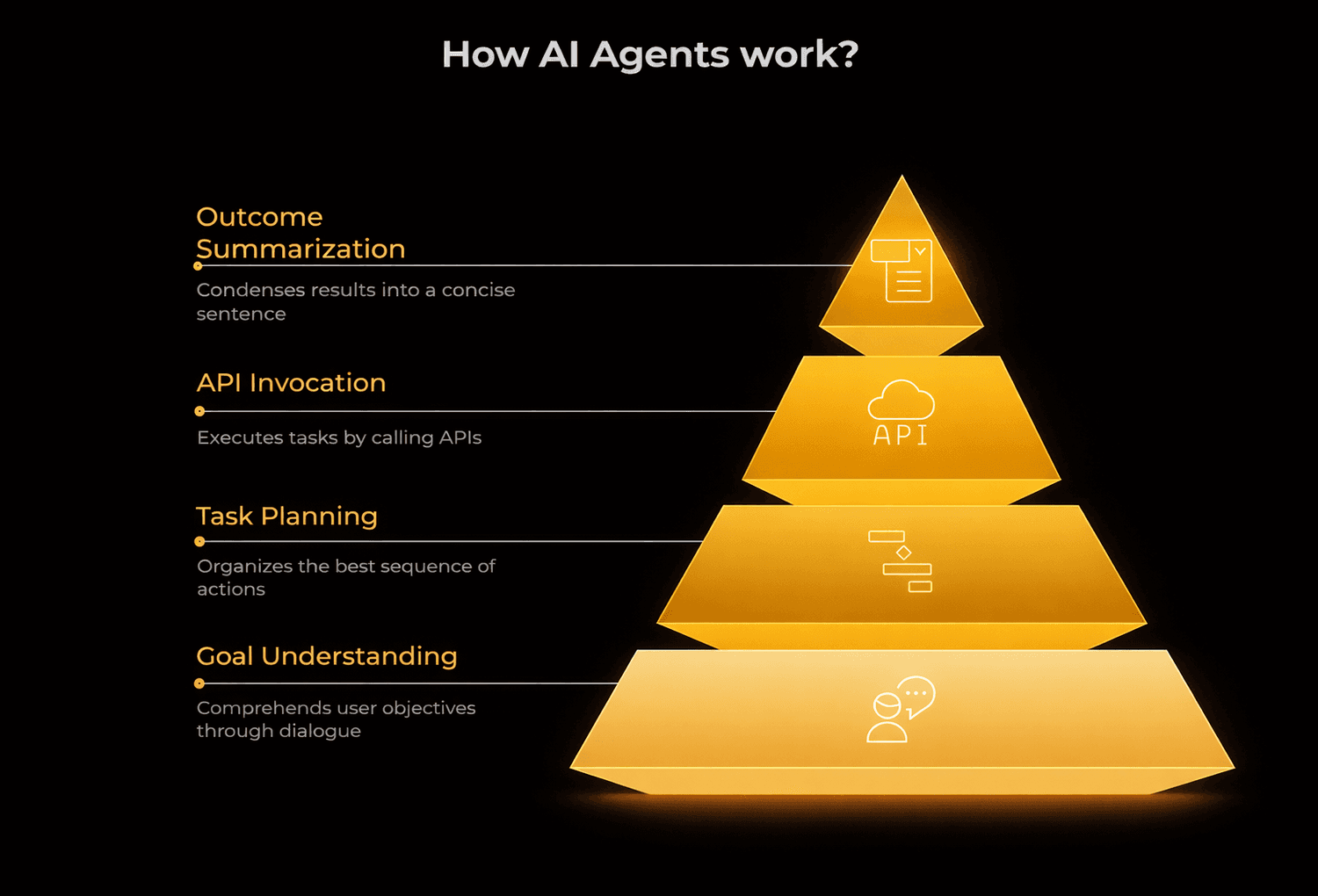
Agent-First Product Strategy: Building for AI Users, Not Humans
Jan 7, 2026
By Nikki Diwakar
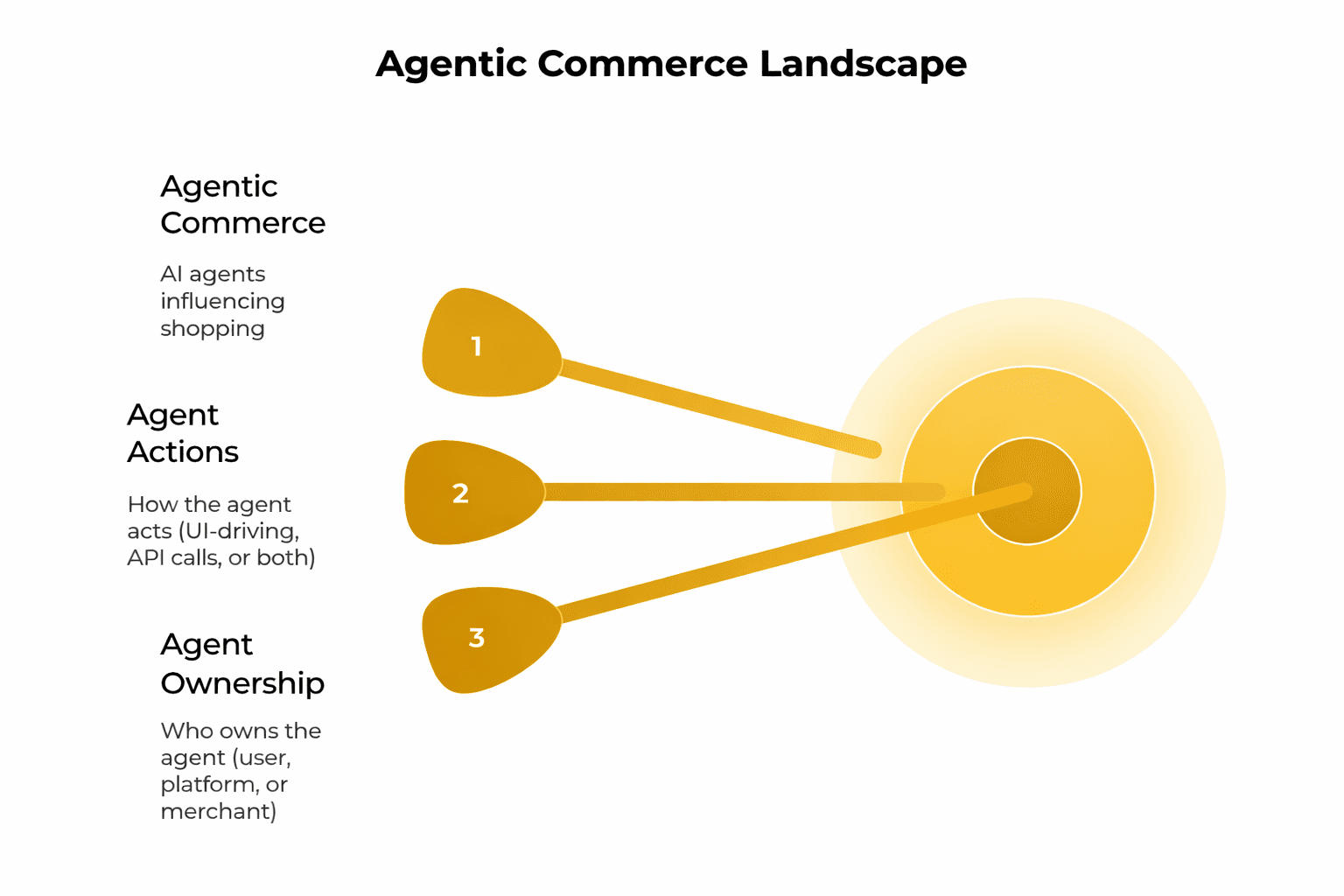
Agentic Commerce Interfaces: How AI Agents Are Rewriting the Buying Experience
Jan 5, 2026
By Nikki Diwakar
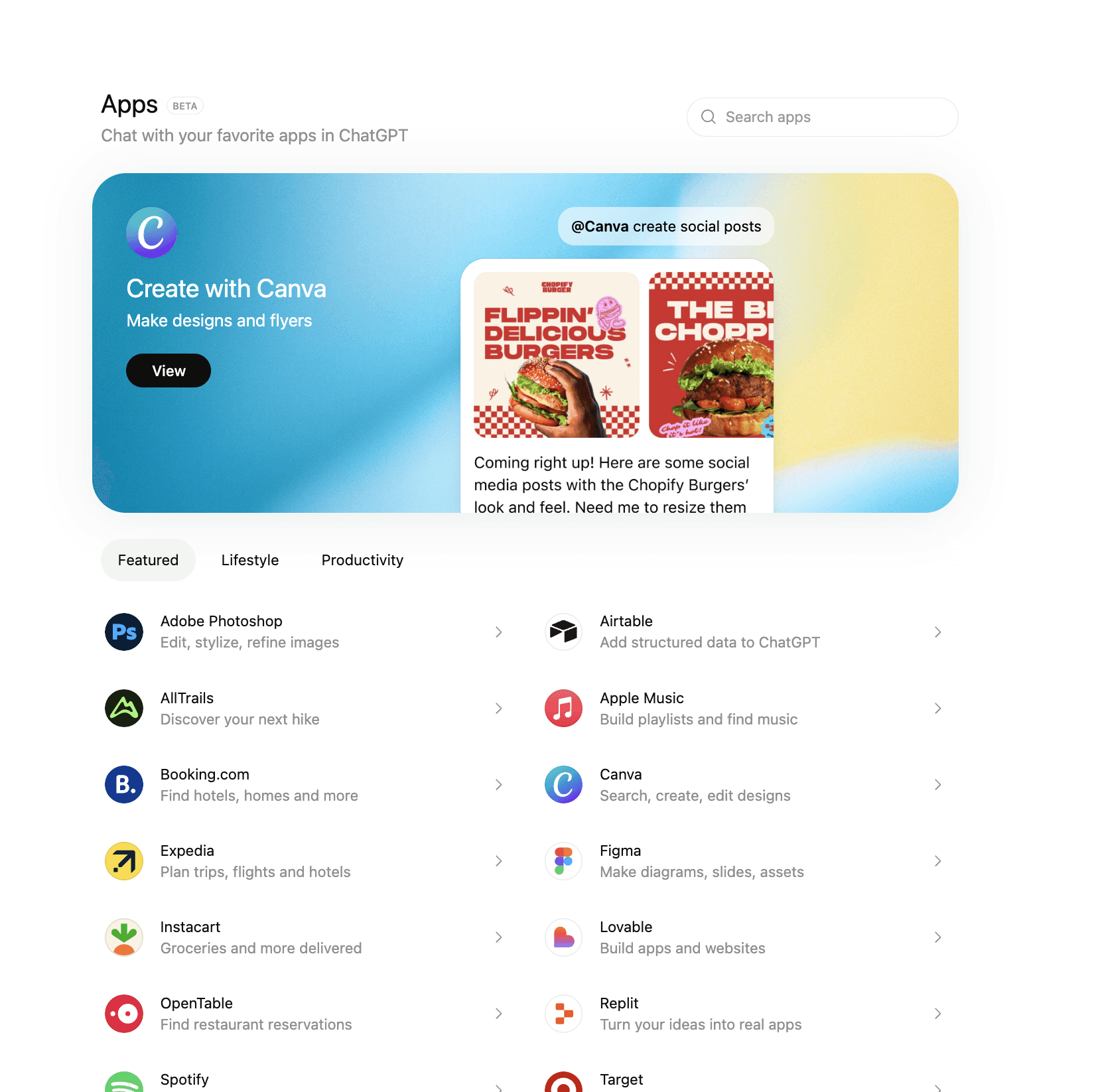
ChatGPT Apps just changed how customers buy (quietly)
Dec 31, 2025
By Nikki Diwakar
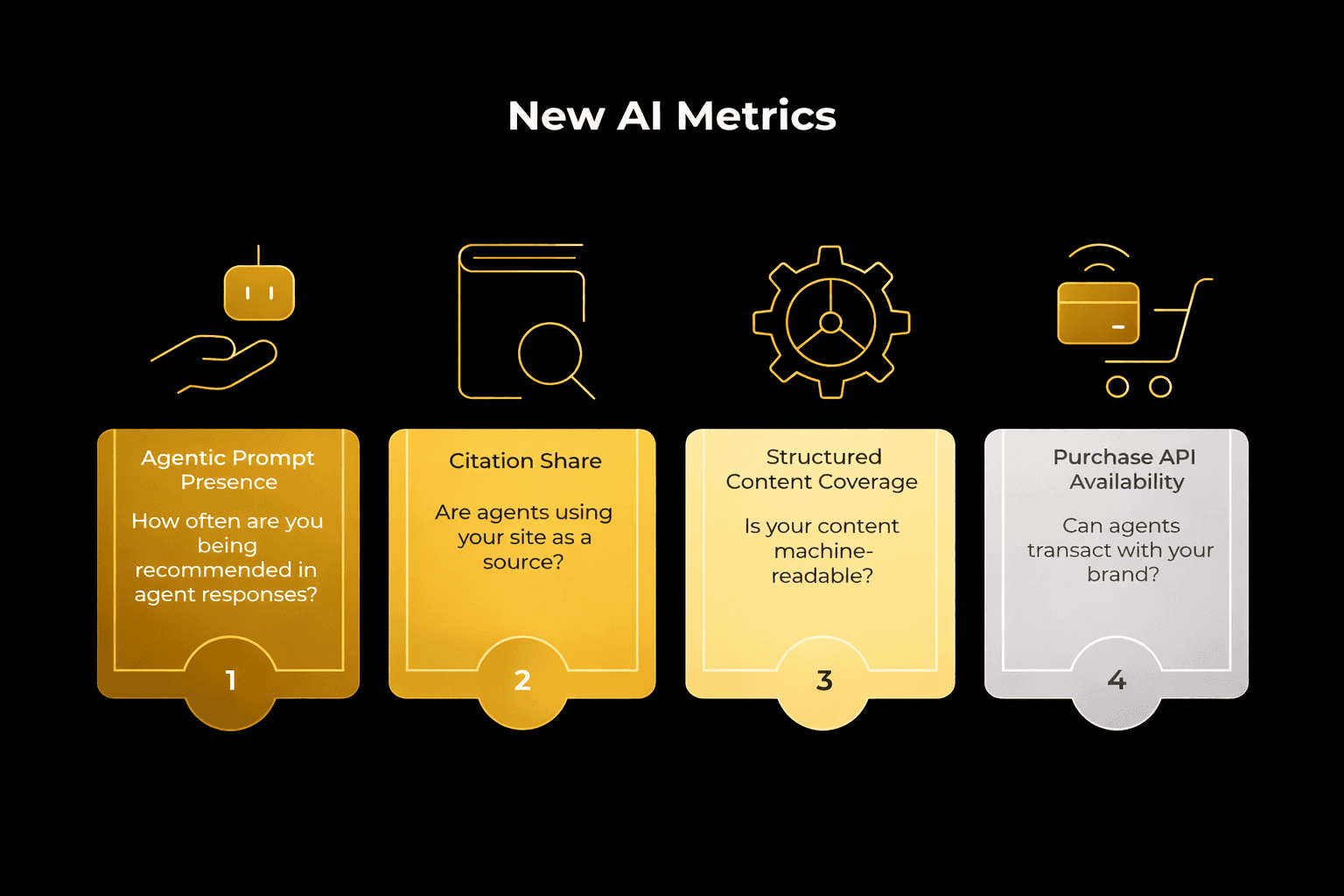
How AI Shopping Agents Change the Sales Funnel and Key Metrics
Dec 26, 2025
By Nikki Diwakar
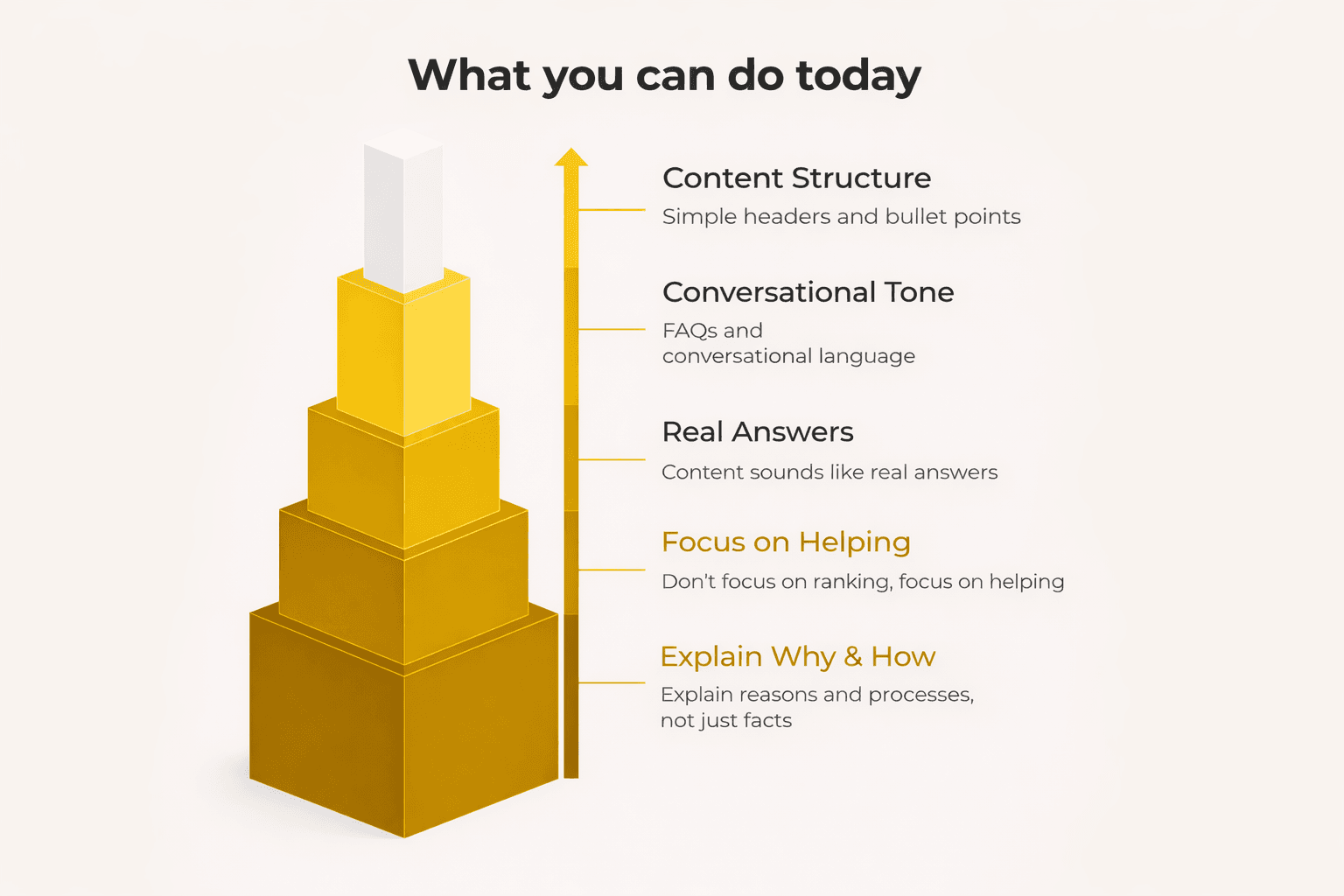
AEO vs. GEO: The New Rules for AI Search Visibility
Dec 15, 2025
By Nikki Diwakar
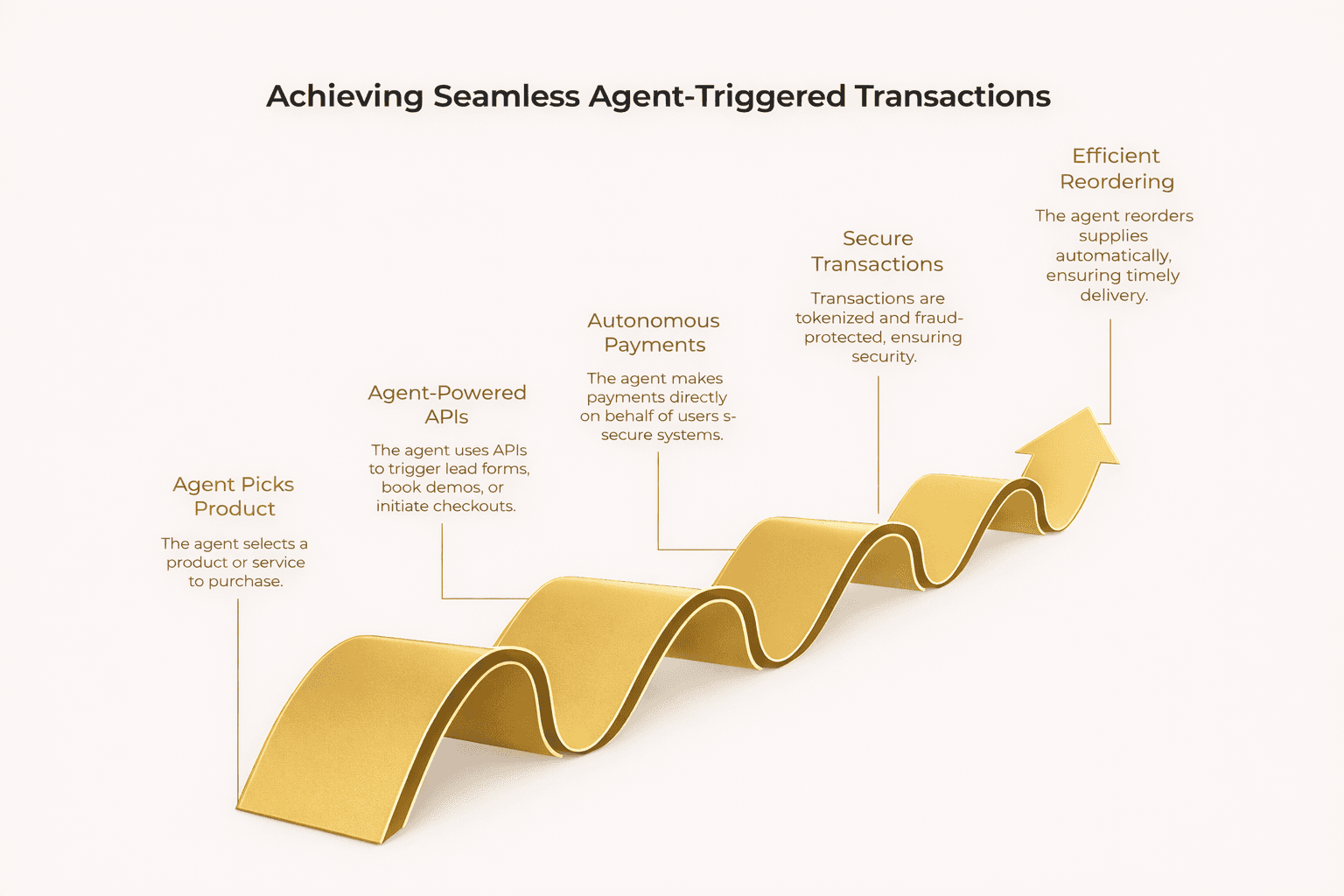
How AI Shopping Agents Work and Why They Matter for Growth
Dec 10, 2025
By Nikki Diwakar
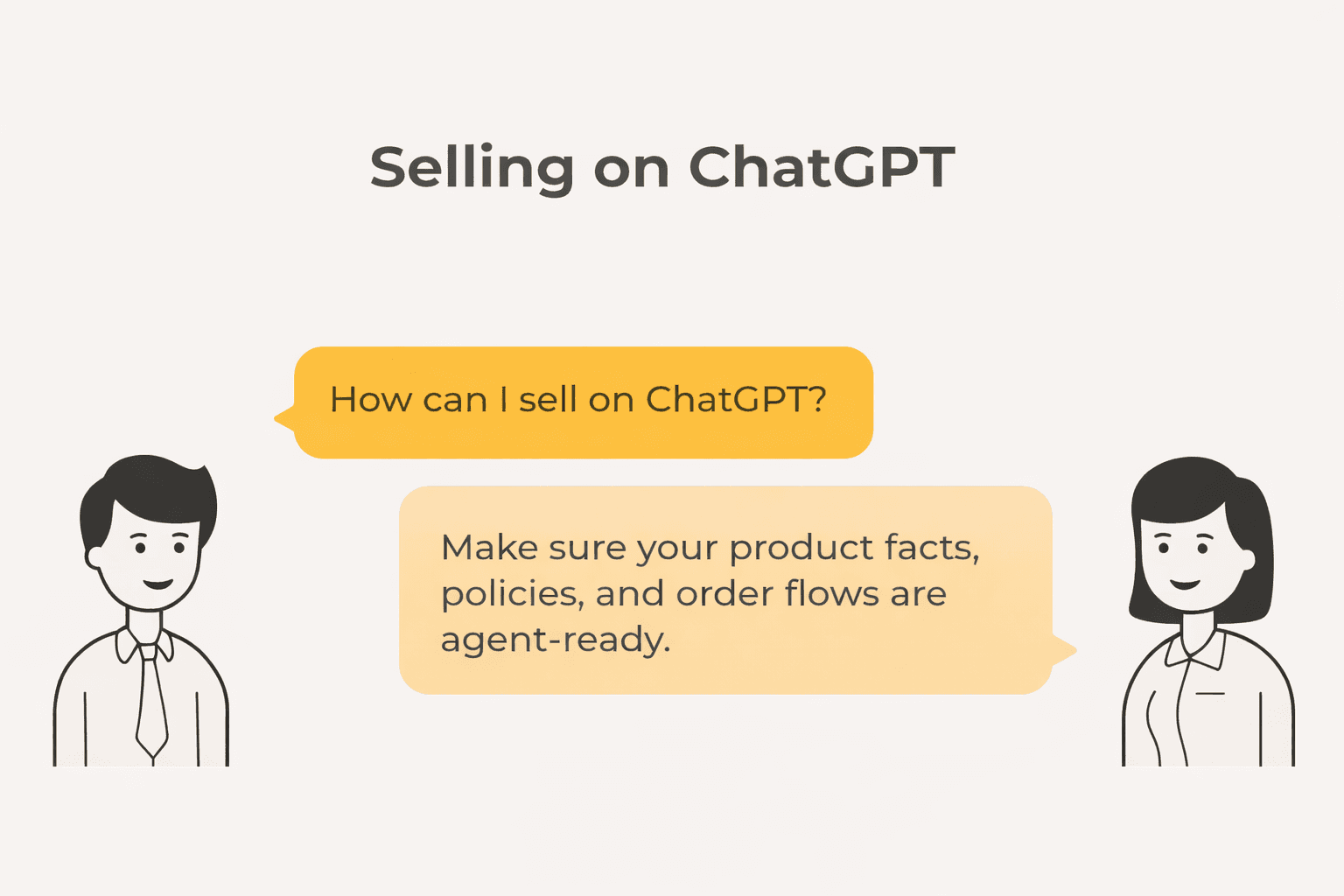
How to Sell on ChatGPT: A Practical Guide to AI Commerce in 2026
Dec 4, 2025
By Nikki Diwakar
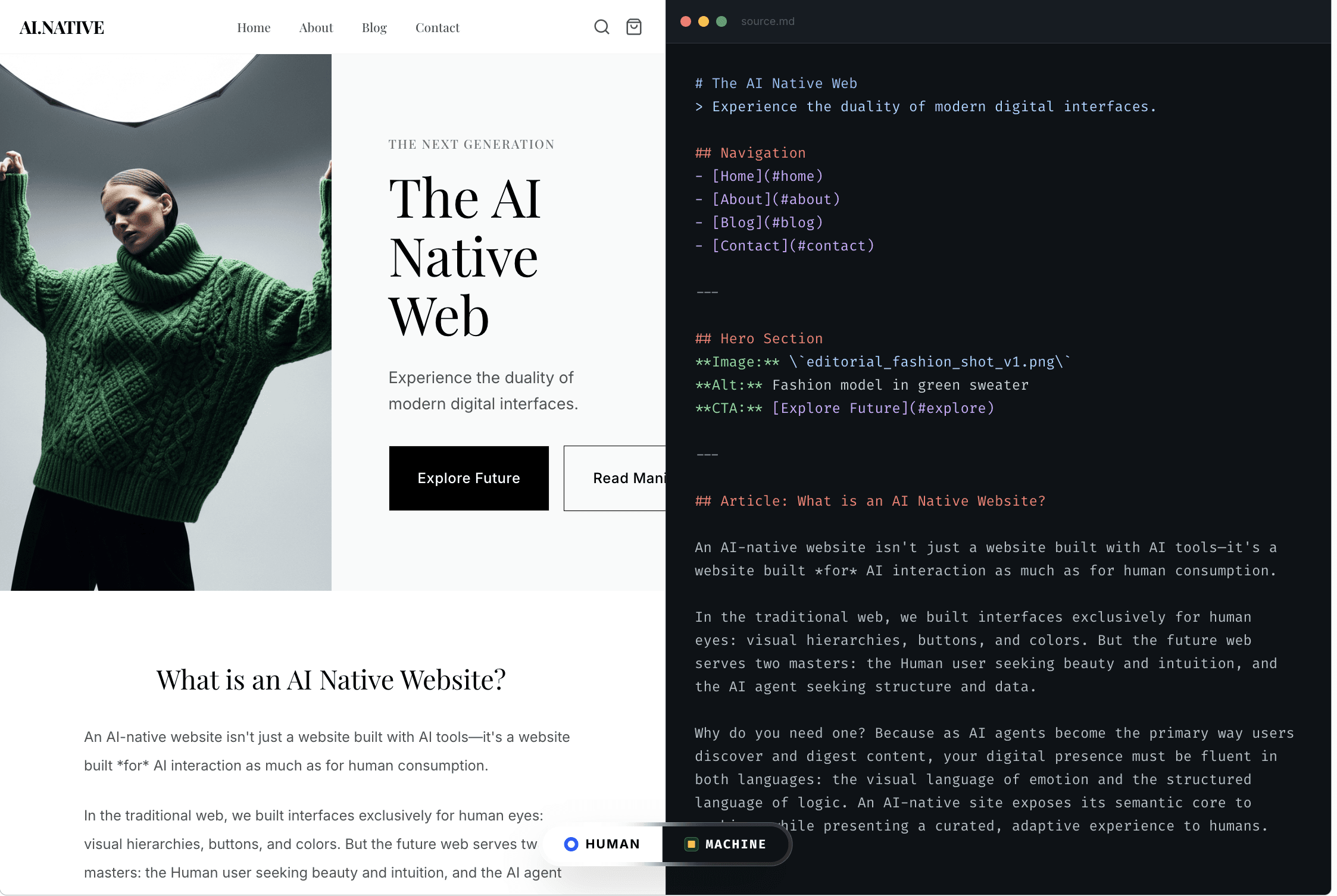
What is an AI-native website and why do you need one?
Nov 30, 2025
By Nikki Diwakar
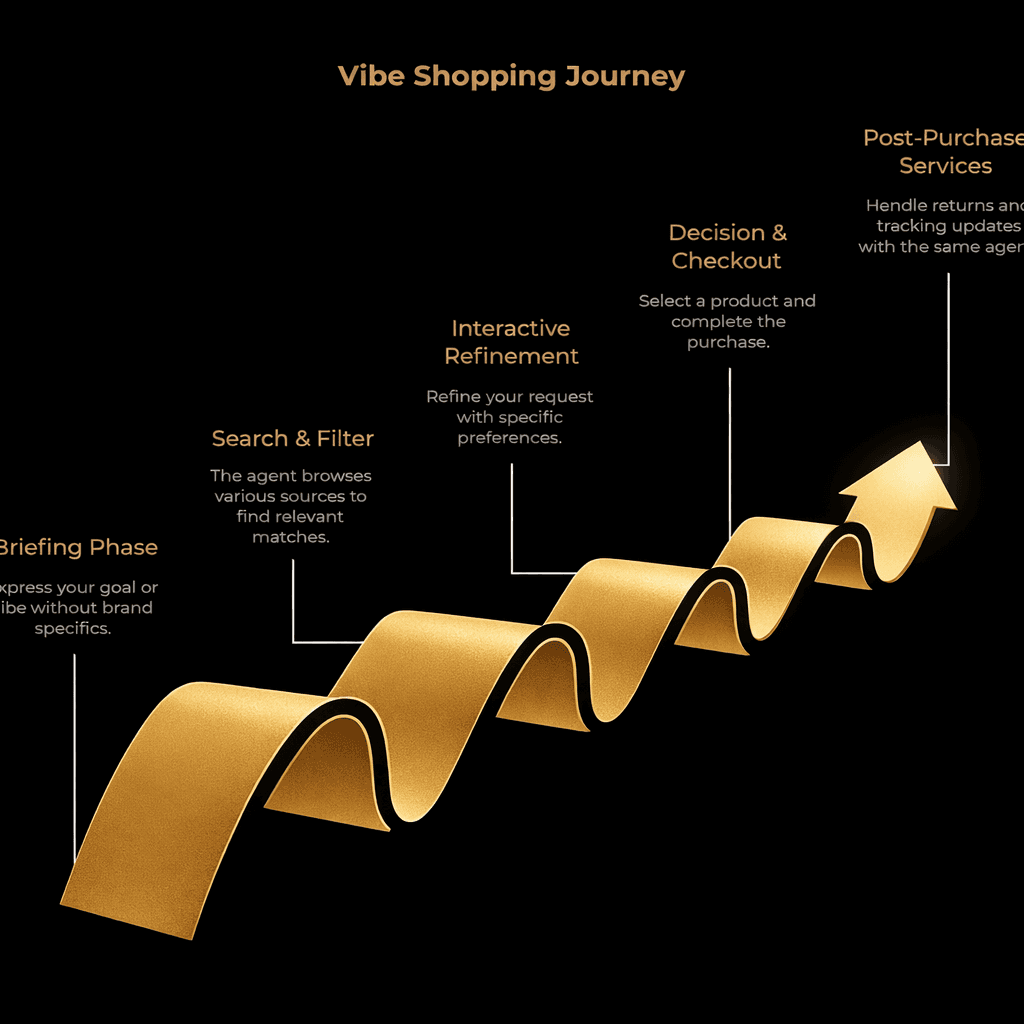
What Is Vibe Shopping and Why It Matters for Ecommerce Strategy
Nov 21, 2025
By Nikki Diwakar

Delegated Traffic: When AI agents own 80% of the buyer journey
Oct 21, 2025
By Nikki Diwakar