Nov 30, 2025
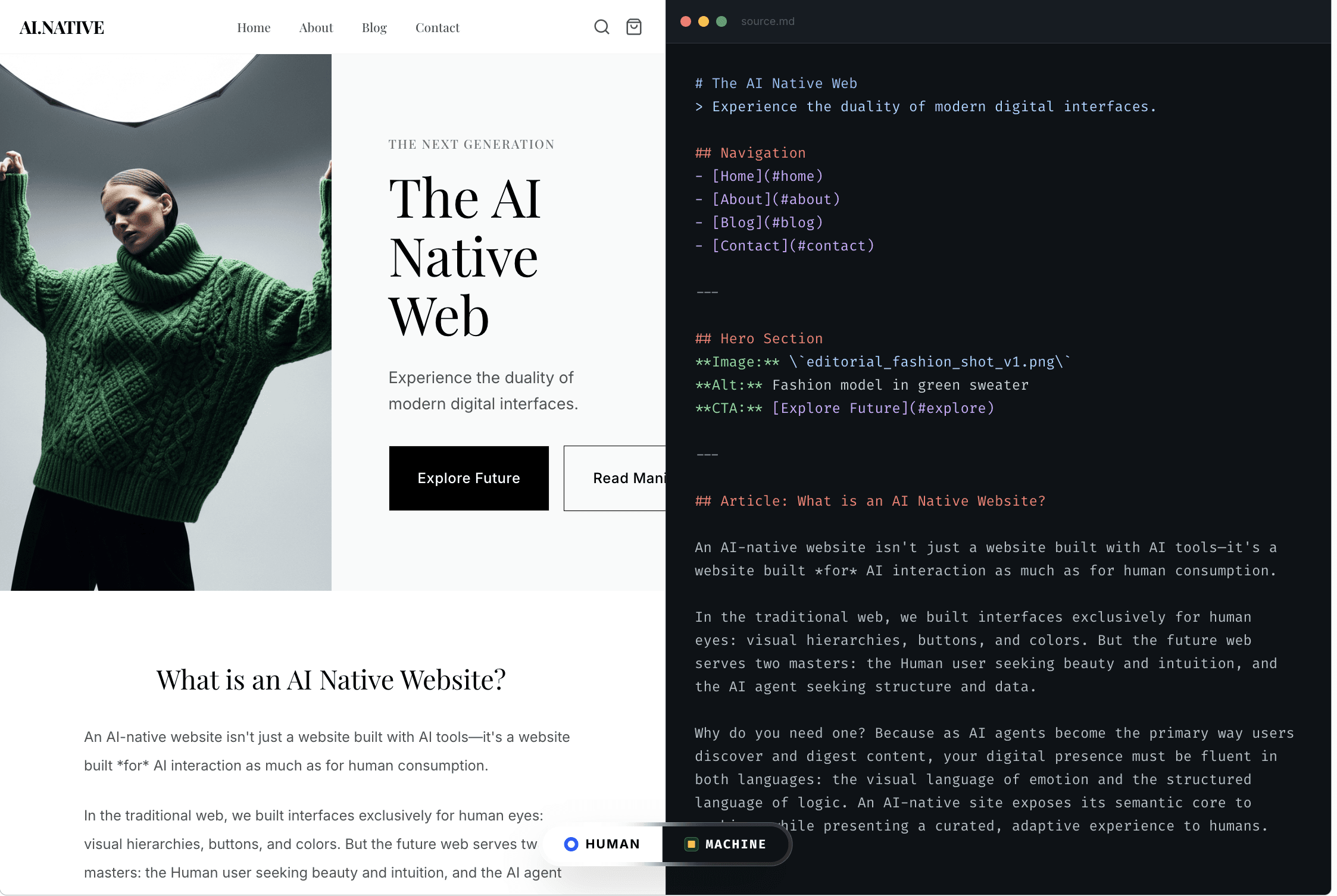
Your website today is built for human eyes.
Layouts, brand visuals, scroll-triggered animations, carousels – all of that matters for people.
For AI agents like ChatGPT, Claude, Perplexity and others, none of that matters. They don’t see your Figma file, your gradients, or your micro-interactions. They see:
raw HTML
text
links
structured data (if it exists)
whatever your infra actually returns to them
That’s it.
An AI-native website is one that takes this seriously. It adds a separate, agent-only layer on top of your existing site – without changing anything for humans – so AI can reliably read, extract, and cite your content.
Here’s a clean, final version you can copy-paste.
The Shift: Your Real Visitor is No Longer Human
The old mental model:
Person has a problem → Googles → clicks a result → skims a few pages → decides.
The new reality:
Person has a problem → asks ChatGPT / Perplexity / Claude → the AI agent hits 20–50 sites → extracts data → synthesizes an answer → shows 3–5 options → person clicks 1–2 of them.
The human never sees most of the pages the agent visited.
Two things follow from this:
Discovery is agent-mediated.
AI agents are quietly doing the “open 20 tabs and compare” part of the funnel.Only a few sites get surfaced.
The agent may crawl many domains, but will cite only the ones it can read cleanly and trust.
If your website is beautiful for humans but a mess or a blank page for AI, you’re losing agent-mediated demand every day to brands whose sites are easier to parse.
Being “AI-native” is how you fix this.
Humans See Pixels. AI Sees HTML.
This is the core idea:
Humans care about how your site looks.
AI cares about how your content is encoded.
For an AI agent:
CSS is noise
Animations are noise
Video backgrounds are noise
Image carousels are usually noise
JS-based widgets are often invisible or incomplete
Some examples:
Product videos → AI often gets nothing.
Image carousels → AI might see one alt text, sometimes not even that.
Review widgets → AI often sees “0 reviews” if everything is injected via JS.
Dynamic pricing tables rendered client-side → AI sees “price unavailable”.
To a human, your PDP looks rich and convincing.
To an agent, it can look like a half-empty brochure.
An AI-native website accepts this and responds with a simple strategy:
Keep your human-facing visuals exactly as they are.
Add an agent-only, structured view of your content that gives AI exactly what it needs, in the format it understands.
So What is an AI-Native Website?
Short version:
An AI-native website is your existing site, plus an AI-only layer that gives agents clean, structured content – without touching your human UX.
It’s not:
a redesign for AI
a stripped-down, ugly experience for everyone
a site that looks like a JSON feed
It’s:
The same layouts, branding and frontend code for humans
A parallel representation for AI agents that exposes things like:
Product names, categories, descriptions
Accurate pricing and availability
Review counts, ratings, testimonials
Key features, benefits and specs
Third-party mentions and social proof
On top of that, an AI-native setup lets you:
See which AI agents are already visiting
Measure how they crawl your pages
Track referrals and clicks from AI assistants back to your site
Update what AI reads without touching your live site
That’s the SonicLinker-native definition of an AI-native website.
Pillar 1: Crawlable by AI Agents (Before Content Even Matters)
Before structure or content quality matter, you have to solve one basic question:
Can AI agents actually reach and load your key pages?
Common failure modes:
1. Bot protection that blocks good bots
WAF or CDN rules that 403 or CAPTCHA AI agents by default
“Security” tools that treat any non-browser user-agent as hostile
Result: humans see pages, AI sees an error or a challenge page.
2. robots.txt that disagrees with marketing
Over-broad disallows (“Disallow: /” or whole directories blocked)
Old rules copied forward without anyone checking what they do now
No explicit allowance for reputable AI crawlers
You can easily end up telling AI: “stay out”, while marketing assumes “we’re indexable”.
3. JS-only rendering
SPAs/headless setups where the HTML shell is basically empty
All meaningful content is rendered client-side with JS
Bots that don’t fully execute JS – or don’t wait long enough – see almost nothing
4. Slow and bloated responses
Heavy scripts, unoptimized images, bad TTFB
Limited crawl budget means fewer pages crawled, less context understood
An AI-native site:
Explicitly allows reputable AI crawlers
Serves them a fast, complete HTML response
Ideally uses an agent-aware layer (like SonicLinker) that can customize what agents see without touching your main frontend
You keep your design. AI gets the data.
Pillar 2: Machine-Readable Content (Give AI Exactly What It Needs)
Once an agent can reach a page, the next question is:
Can it quickly extract the facts it needs to answer real user questions?
AI does not care how beautiful your layout is. It cares whether, in the HTML and structured data, it can find:
what this is
who it’s for
what it costs
what it includes
how it compares
whether people like it
Structure over aesthetics
Concretely, an AI-native page should expose:
Entities
Product or plan names
Categories and use cases
Clear descriptions
Commercial details
Prices (with currency)
Availability (“in stock”, “ships in X days”, “limited seats”)
Plan differences (“Basic vs Pro vs Enterprise”)
Social proof
Review counts and average rating
Representative quotes/testimonials
Logos and mentions that matter
Decision helpers
“Best for” guidance
Pros and cons
FAQs that mirror real conversational queries
Whether you do this via schema, server-side HTML, dedicated agent-only blocks, or all of the above is implementation. The principle is:
Stop forcing AI to reverse-engineer your design.
Start handing it a clean, lossless representation of your content.
That’s exactly what SonicLinker’s AI-optimized layer does: it gives agents structured content while your human visitors see the same site they’re used to.
Pillar 3: Citation-Worthy Authority (Why AI Picks You vs Others)
Even with access and structure, agents still decide who to quote.
They prefer sources that are:
Complete – not vague, but rich in specifics
Consistent – no contradictions between pages or between schema and copy
Trustworthy – reviews, proof, clarity about who you are
You’re competing to become:
“The easiest, safest site for an AI agent to lean on when answering questions in your category.”
If your page says:
“Flexible pricing for all your needs. Contact us.”
and a competitor clearly states:
“Plans start at $49/month, 14-day free trial, cancel anytime. 4.8/5 from 2,400+ customers.”
the agent is more likely to cite the competitor.
An AI-native website deliberately exposes the kind of specific, referenceable, verifiable content that makes you the default source.
Pillar 4: Measurable AI Visibility (Stop Guessing)
If you can’t see AI behavior, you’re just trusting vibes.
At minimum, an AI-native setup should let you:
Identify AI agents
Which platforms hit your site (ChatGPT, Claude, Perplexity, etc.)
How often they visit
See what they read
Which URLs they crawl
How deep they go into your site
Spot extraction gaps
Where they consistently miss pricing, reviews or other key data
Which pages they bounce from quickly
Track referrals and conversions
Clicks from AI assistants to your site
How that traffic converts versus regular channels
This is where SonicLinker’s analytics come in: treating AI visits and AI visibility as first-class metrics, not noise buried in “direct traffic”.
How SonicLinker Makes Your Site AI-Native (Without Touching Your UX)
Here’s how this actually works in practice.
1. Detect AI agents
SonicLinker sits in front of your site (via your CDN or DNS).
When a request comes in, it checks whether it’s from a known AI agent.
Humans get your normal website.
Agents get something better for them.
2. Serve an AI-optimized view
For AI agents, SonicLinker can serve:
a clean, structured representation of your products, content and proof
pricing and availability in a format that’s easy to extract
review and rating summaries
key facts and FAQs surfaced without them digging through layout and JS
You don’t redesign anything. Humans still see your existing frontend.
3. Track AI traffic and referrals
Because SonicLinker is agent-aware, it can tell you:
who visited as an AI
what they crawled
how that changed over time
which AI flows actually sent human visitors back to your site
4. Iterate on the AI layer only
You can update and enrich what agents see:
add missing details
fix inconsistencies
surface better proof
adjust how you present plans or products
All without touching your live site, your CMS, or your core frontend code.
That’s the practical version of “AI-native website”: one extra layer, tuned for agents, independent from your visuals.
A Practical Path: Becoming AI-Native Without a Rebuild
You don’t need a 12-month redesign project for this. You need a clear sequence.
Step 1 – Run an AI readability & traffic audit
See which AI agents already crawl your site
Find out which key pages they hit
Identify where they fail to extract pricing, reviews, specs, etc.
Step 2 – Turn on AI-native pages for your top routes
Start with:
your highest-revenue category/product pages
your pricing page
1–2 flagship content/education pages
Enable SonicLinker so AI agents get a structured, AI-optimized view on those URLs.
Step 3 – Watch AI traffic and behavior change
Track:
AI visits per platform
extraction quality on key fields
clicks from AI assistants to your site
downstream conversion impact
Iterate the AI layer while leaving your human UX alone.
Step 4 – Scale once the ROI is obvious
When you see AI visibility and referred traffic move:
extend AI-native coverage to more pages
deepen the structured content
make AI visibility and delegated traffic part of your standard performance reporting
The Bottom Line
If you strip away the jargon, an AI-native website is about one thing:
Your layouts and visuals are for humans.
Your AI-native layer is for the agents that decide which humans ever see you.
Ignore that, and you’ll keep losing recommendations and delegated traffic to brands whose sites are simply easier for AI to read.
Take it seriously, and you turn AI agents into a new distribution channel – one where your best asset is not your design, but how well you feed machines the exact information they need.
Read more from our blog
Agentic Interfaces and the Future of UX
Jan 28, 2026
By Nikki Diwakar
How Visa Enables AI Agents to Shop and Pay
Jan 26, 2026
By Nikki Diwakar
How To Measure AI Agents When Google Analytics Cannot
Jan 23, 2026
By Nikki Diwakar
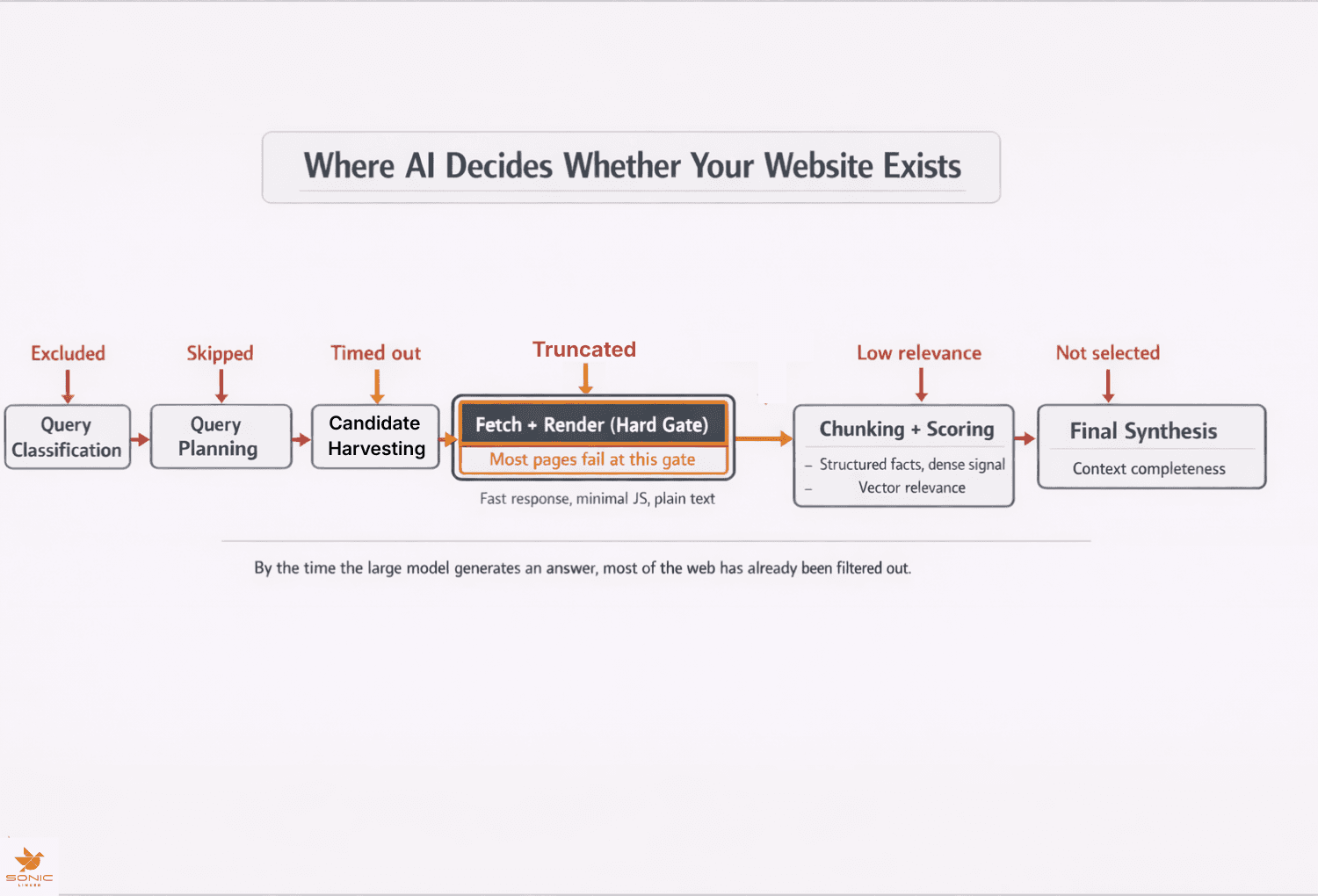
How ChatGPT Finds and Chooses Websites
Jan 21, 2026
By Nikki Diwakar
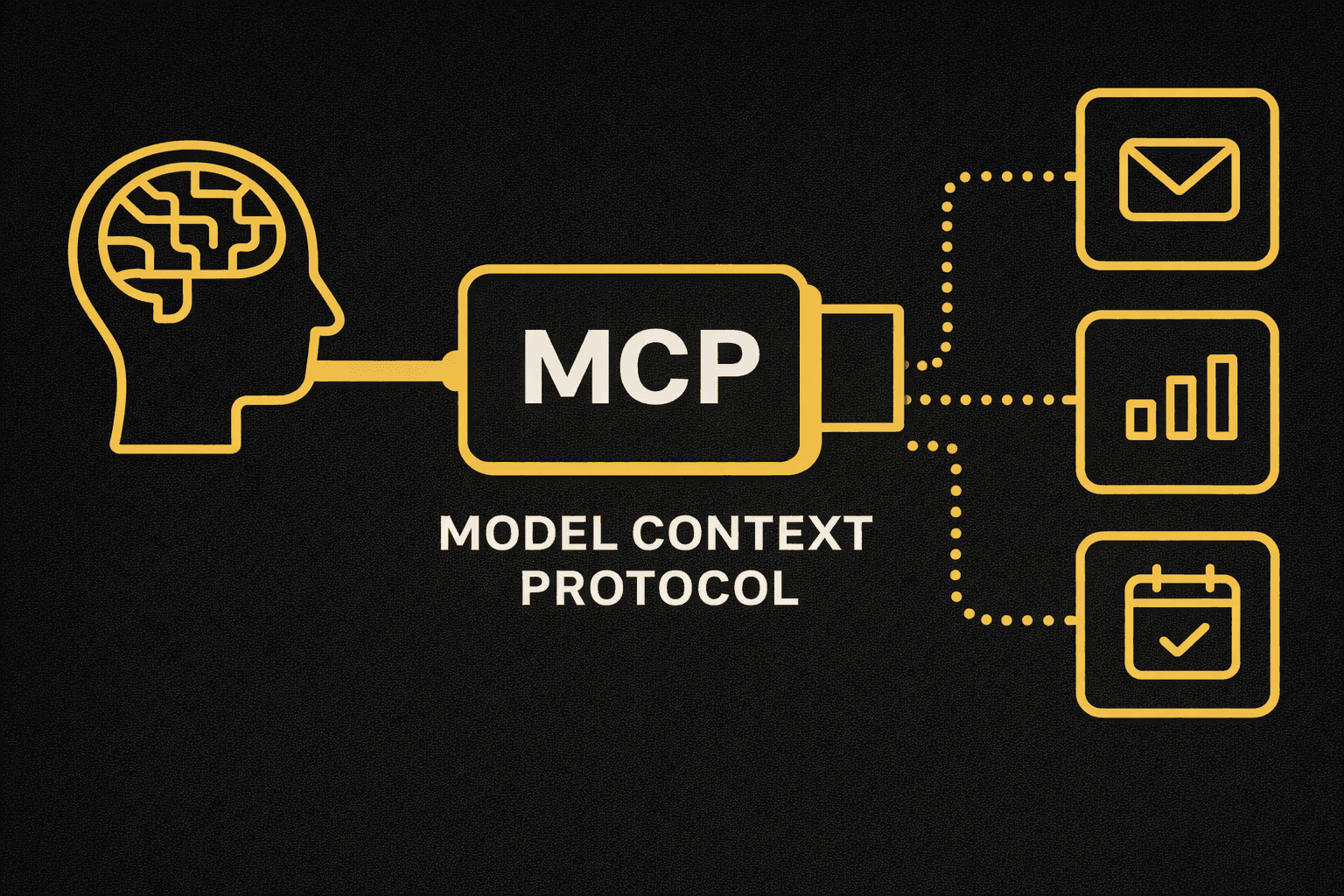
How LLMs Discover Your Model Context Protocol and Why It Matters
Jan 19, 2026
By Nikki Diwakar

What You Should Know About Shopify’s Model Context Protocol
Jan 13, 2026
By Nikki Diwakar
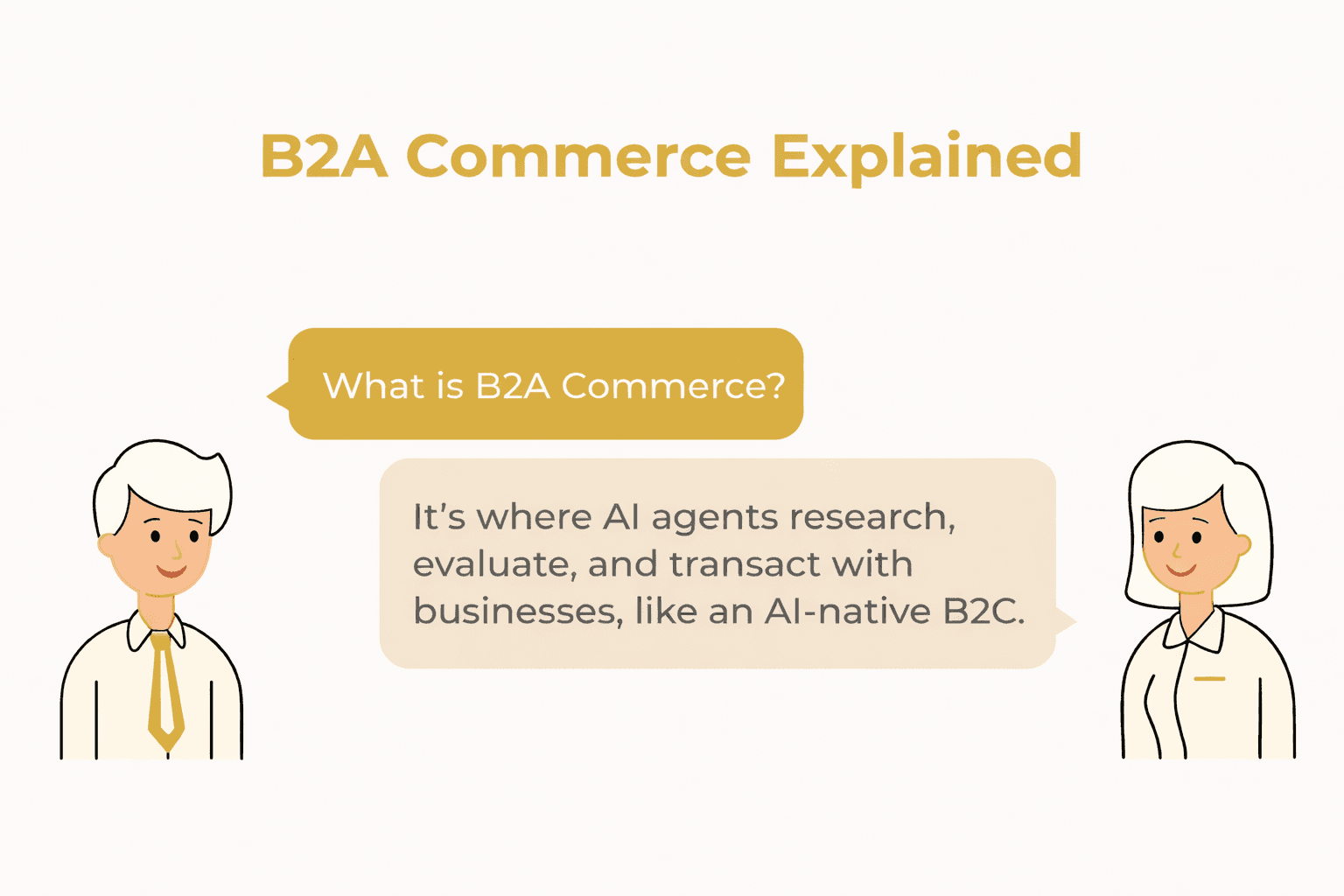
B2A Commerce Explained: Winning in an Era of AI Shopping Agents
Jan 12, 2026
By Nikki Diwakar
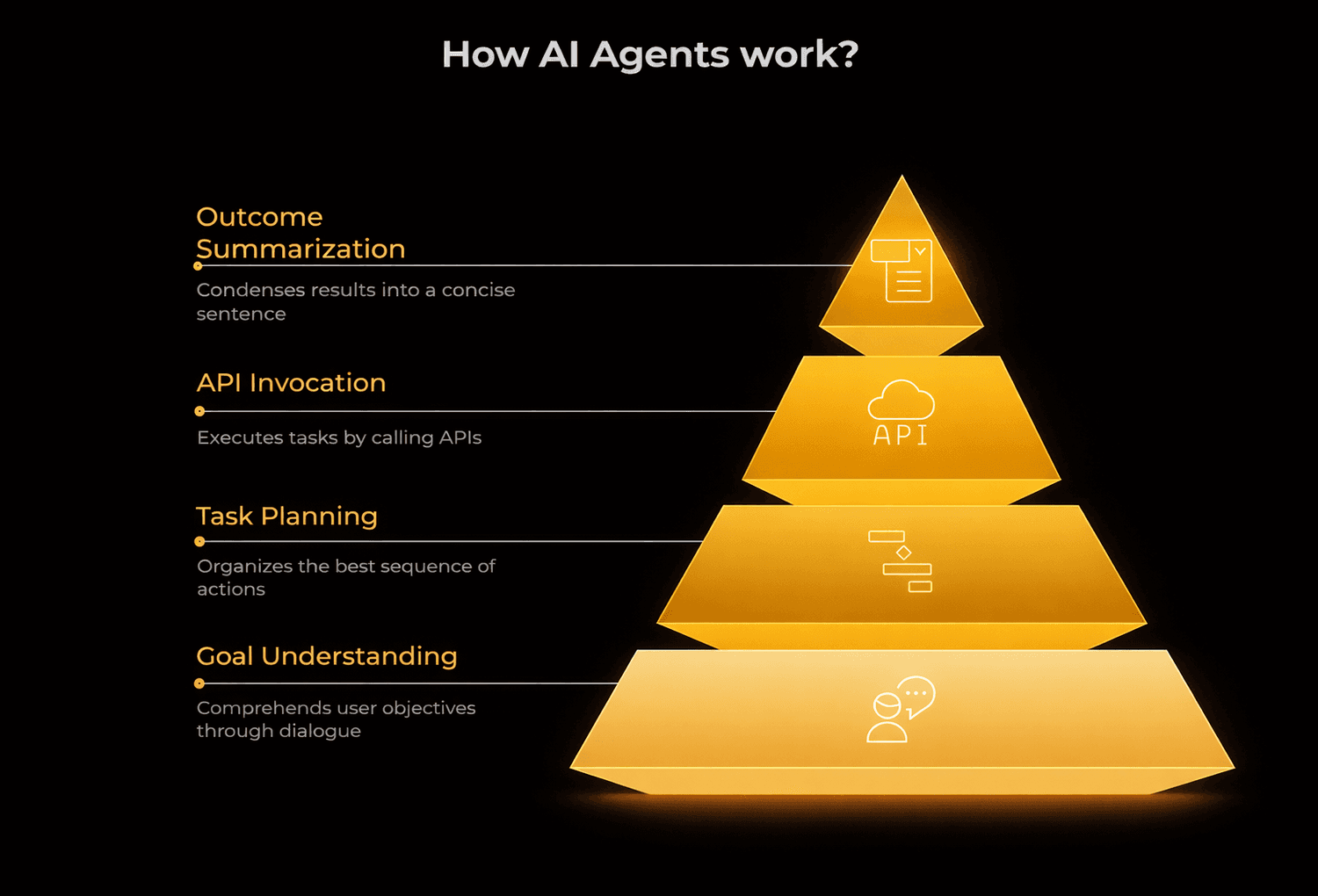
Agent-First Product Strategy: Building for AI Users, Not Humans
Jan 7, 2026
By Nikki Diwakar
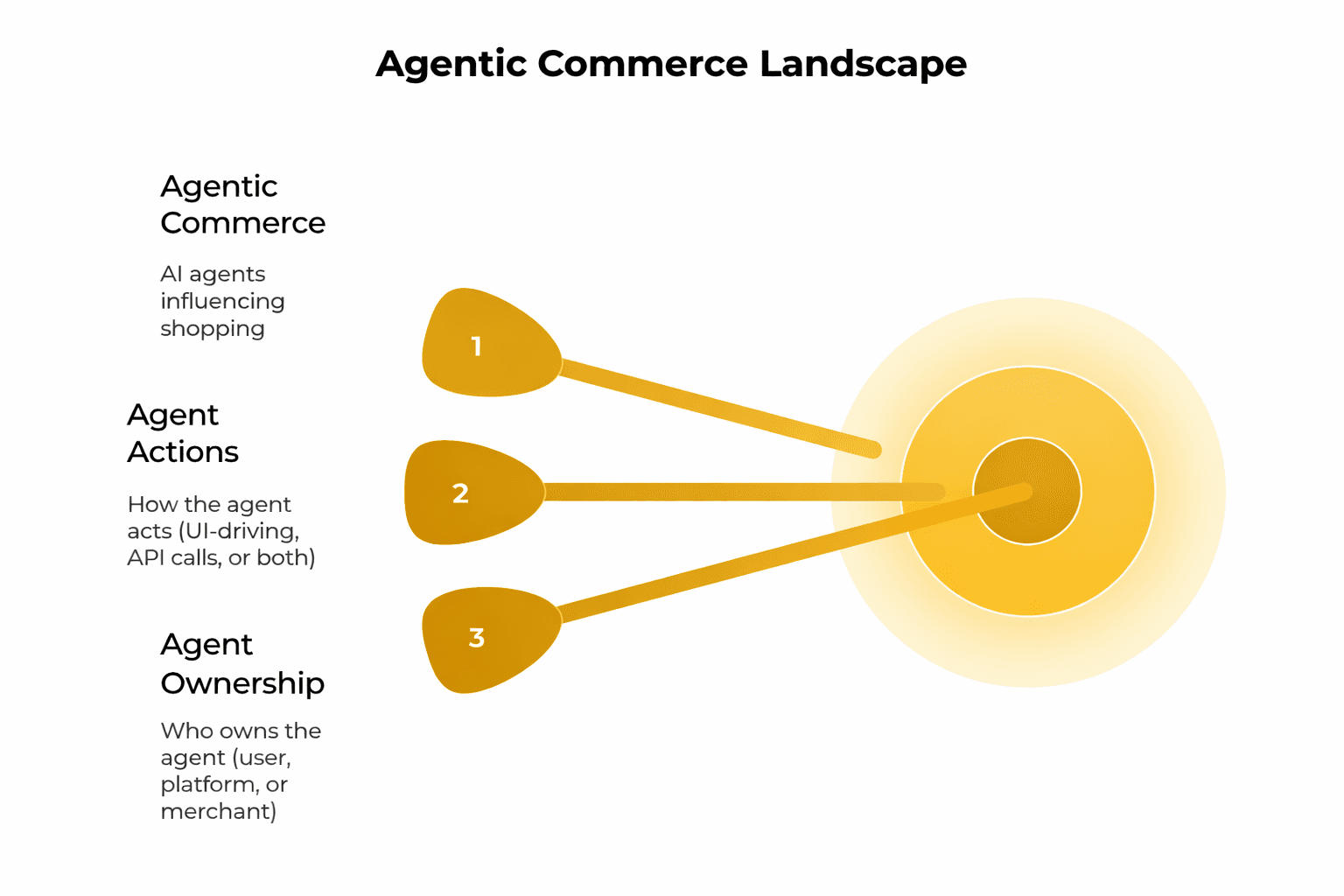
Agentic Commerce Interfaces: How AI Agents Are Rewriting the Buying Experience
Jan 5, 2026
By Nikki Diwakar
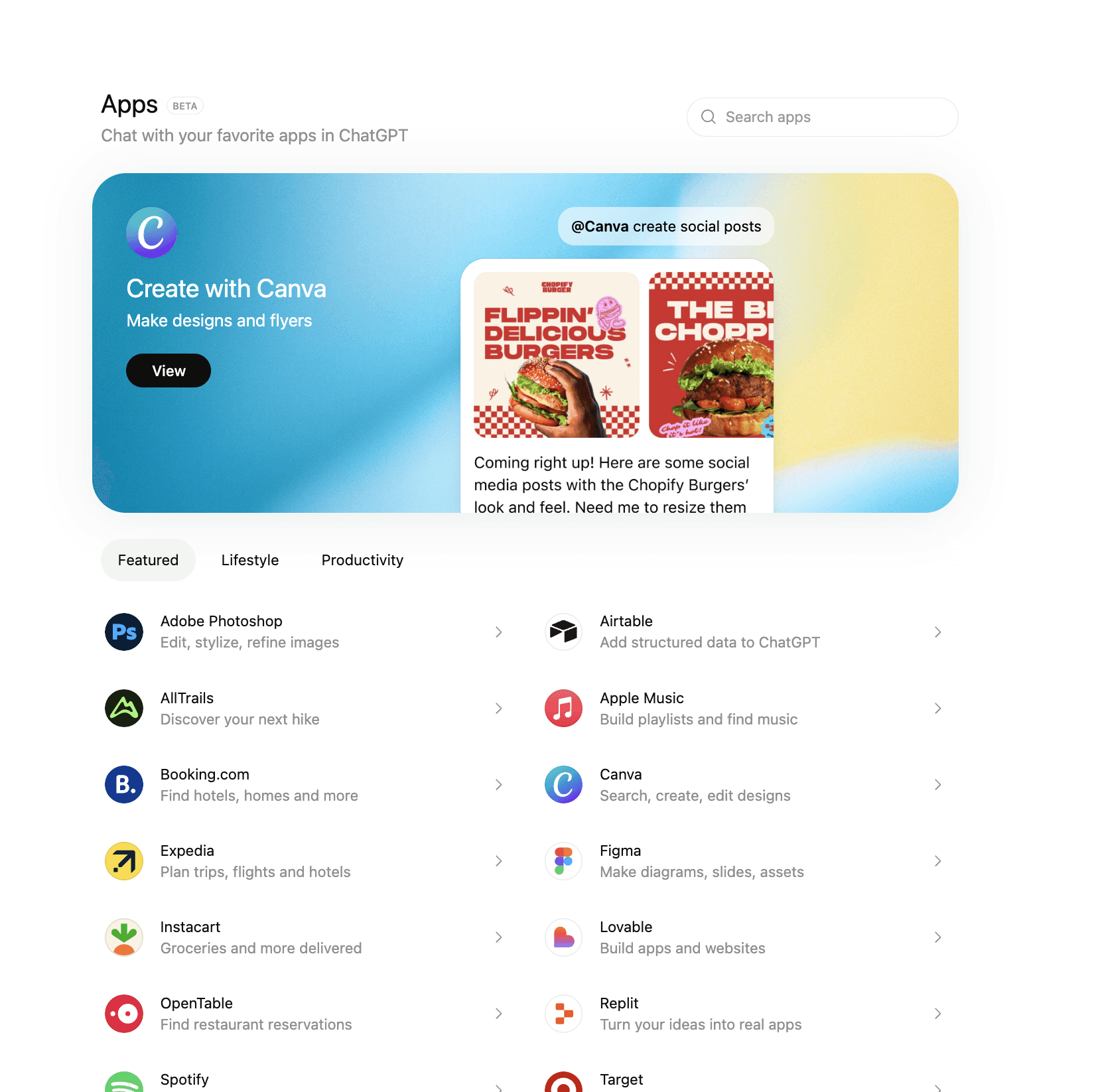
ChatGPT Apps just changed how customers buy (quietly)
Dec 31, 2025
By Nikki Diwakar
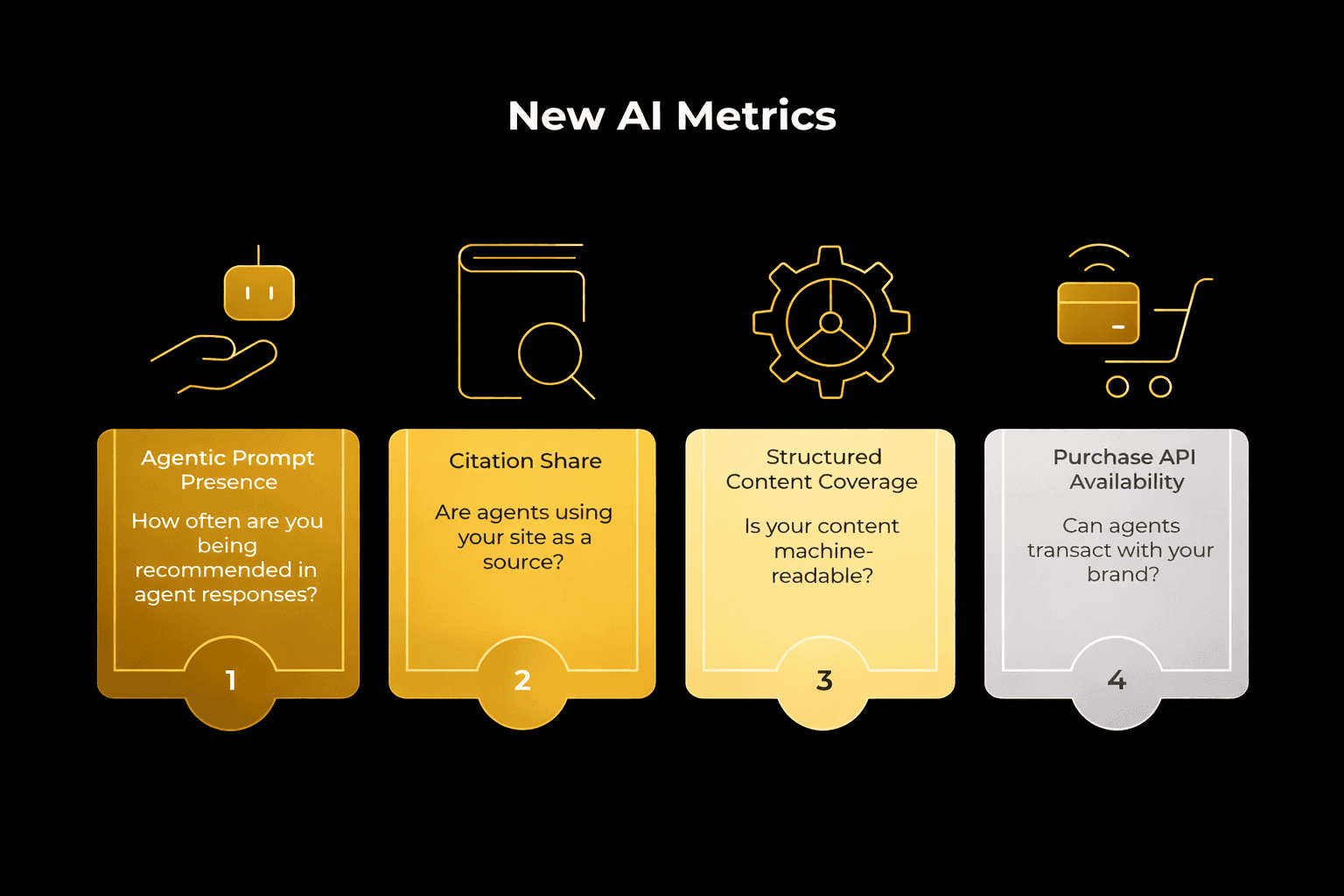
How AI Shopping Agents Change the Sales Funnel and Key Metrics
Dec 26, 2025
By Nikki Diwakar
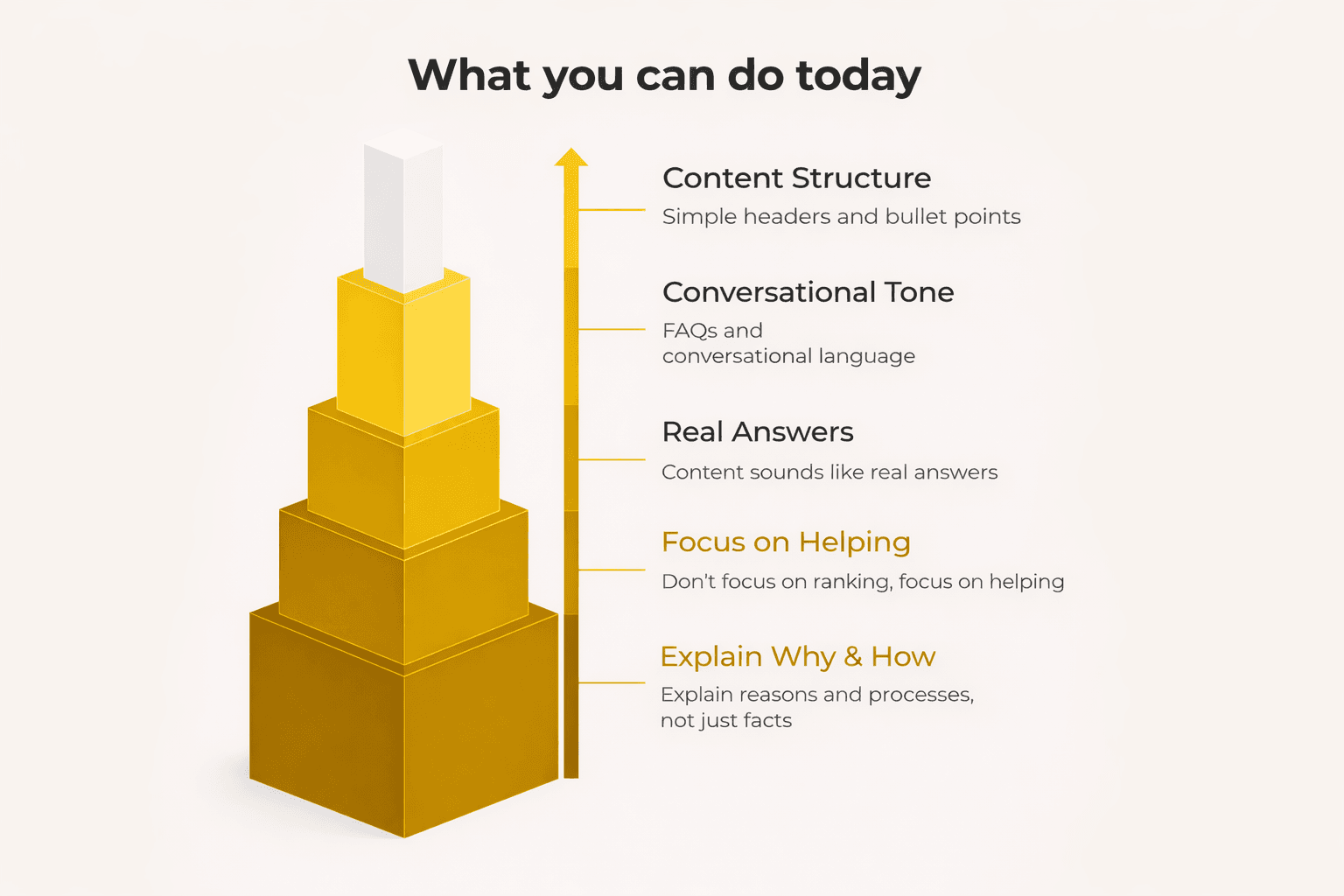
AEO vs. GEO: The New Rules for AI Search Visibility
Dec 15, 2025
By Nikki Diwakar
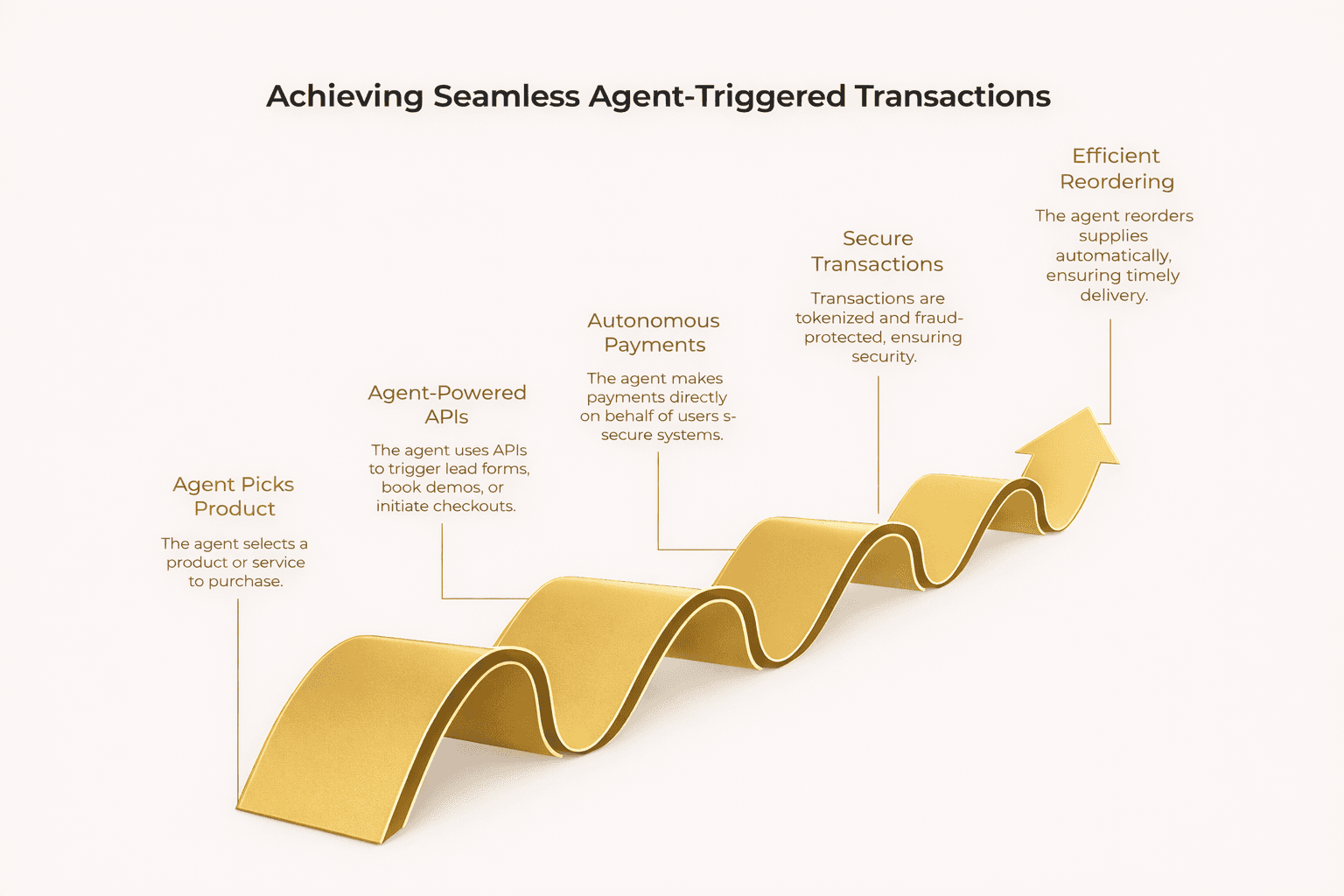
How AI Shopping Agents Work and Why They Matter for Growth
Dec 10, 2025
By Nikki Diwakar
How to Sell on ChatGPT: A Practical Guide to AI Commerce in 2026
Dec 4, 2025
By Nikki Diwakar
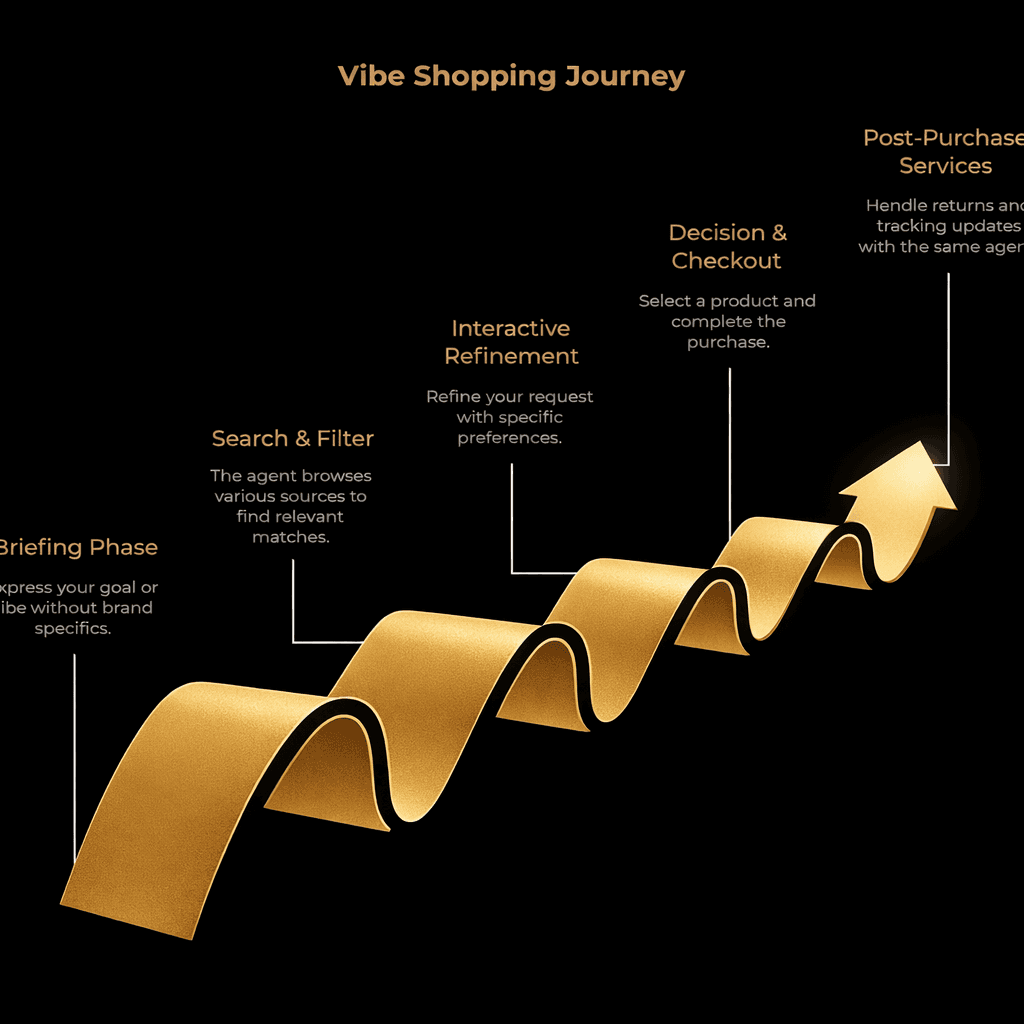
What Is Vibe Shopping and Why It Matters for Ecommerce Strategy
Nov 21, 2025
By Nikki Diwakar
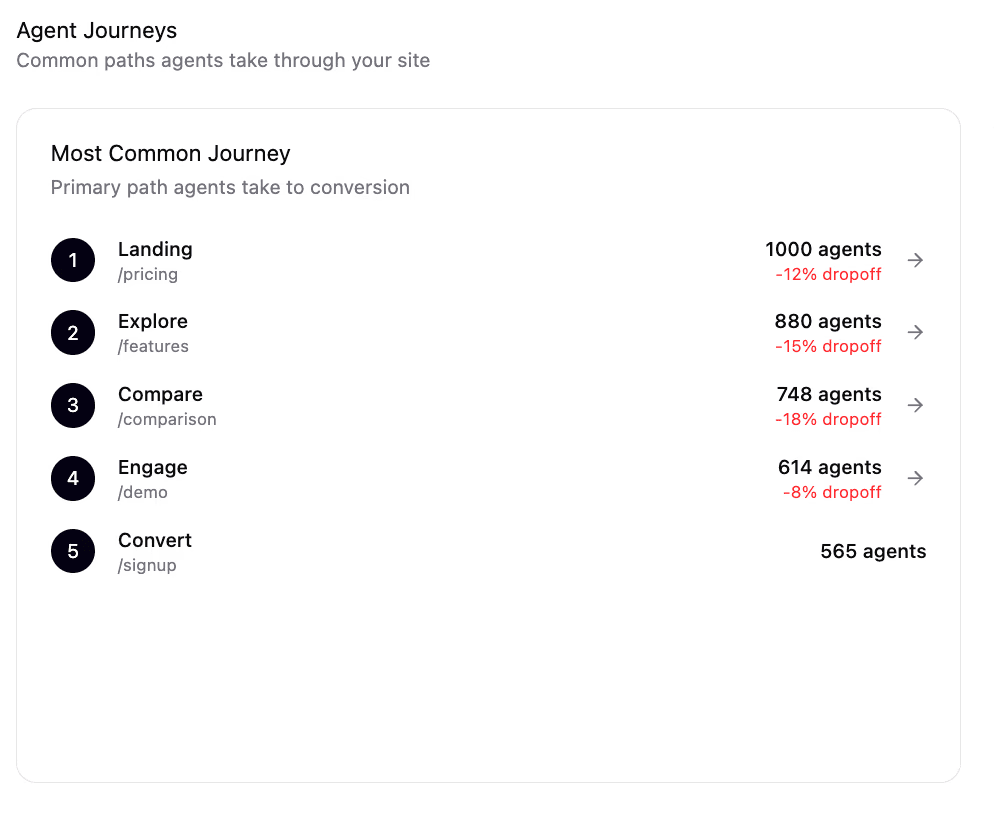
What your analytics misses: >20% of your “traffic” could be AI agents
Nov 18, 2025
By Nikki Diwakar
Delegated Traffic: When AI agents own 80% of the buyer journey
Oct 21, 2025
By Nikki Diwakar